Create a dated exam and attach the PDFs you will be tested on
Von Erik Fazakas
27. Oktober 2026

Most “study planners” are calendars with hope. The missing piece is a real exam with a date and the PDFs you will actually be tested on. As of October 2026, competitor blogs we reviewed (including Astra’s Hungarian exam-prep pages and StudyFetch calendar / plan-style posts) talk about planning more often than they expose a first-class dated exam object with your attached course files.
You can fake this with folders. ScienceIQ treats the dated exam as the hub.
The three fields that make a plan real
- 1. Name: course + exam type (e.g. “Micro midterm 2”).
- 2. Date: the real date from Neptun / Moodle / the syllabus.
- 3. Materials: only the PDFs/PPTX/DOCX that are in scope.
Everything else is noise. If a file is “nice to read,” it does not belong on this exam until the lecturer says so.
Worked example: one week, one midterm
You have:
- Midterm date: next Thursday 10:00
- Files in scope: lecture_07.pdf, lecture_08.pdf, problem_set_3.pdf
- Out of scope: last year’s optional reading
Setup:
- 1. Create exam “Macro midterm – week 8” with that Thursday date.
- 2. Attach the three in-scope files.
- 3. Day −5/−4: quiz on lecture 07; cards on definitions.
- 4. Day −3/−2: quiz on lecture 08 + problem-set concepts.
- 5. Day −1: mixed quiz from all three; list only misses.
No new files after Day −2 unless the lecturer posts a correction.
A 15-minute setup checklist
- [ ] Confirm the date in the official system (not a group chat rumour).
- [ ] List in-scope files on paper first.
- [ ] Create the dated exam; attach only that list.
- [ ] Schedule two quiz blocks and one card block before the date.
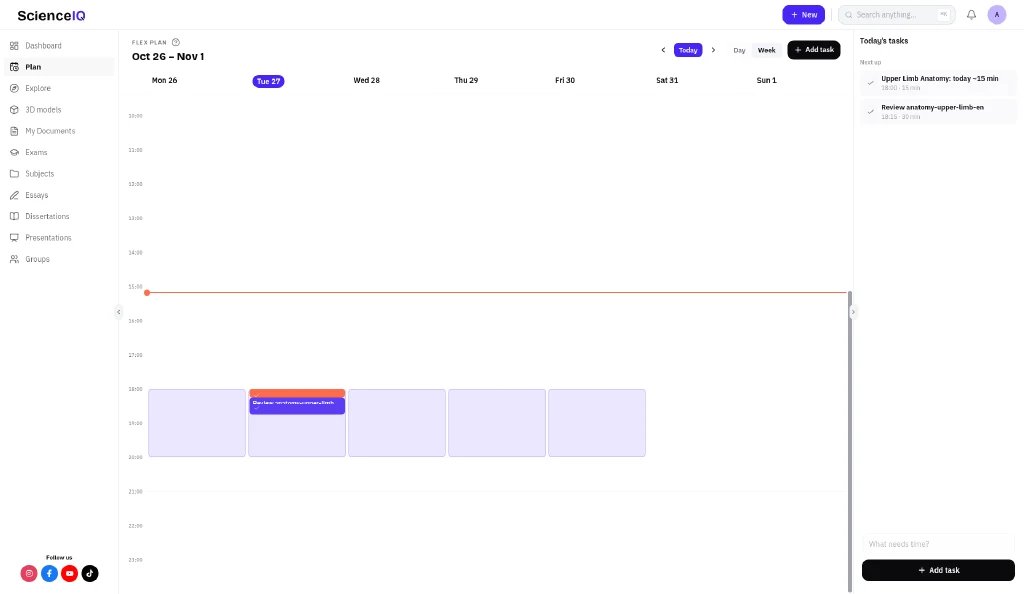
- [ ] Optional: mirror the blocks on the Plan week view so the week is visible.
Where ScienceIQ fits (and how we differ)
As of October 2026, many tools publish “study plan” articles. Fewer give you a dated Exam you reopen with Quiz and Flashcards on the attached materials.
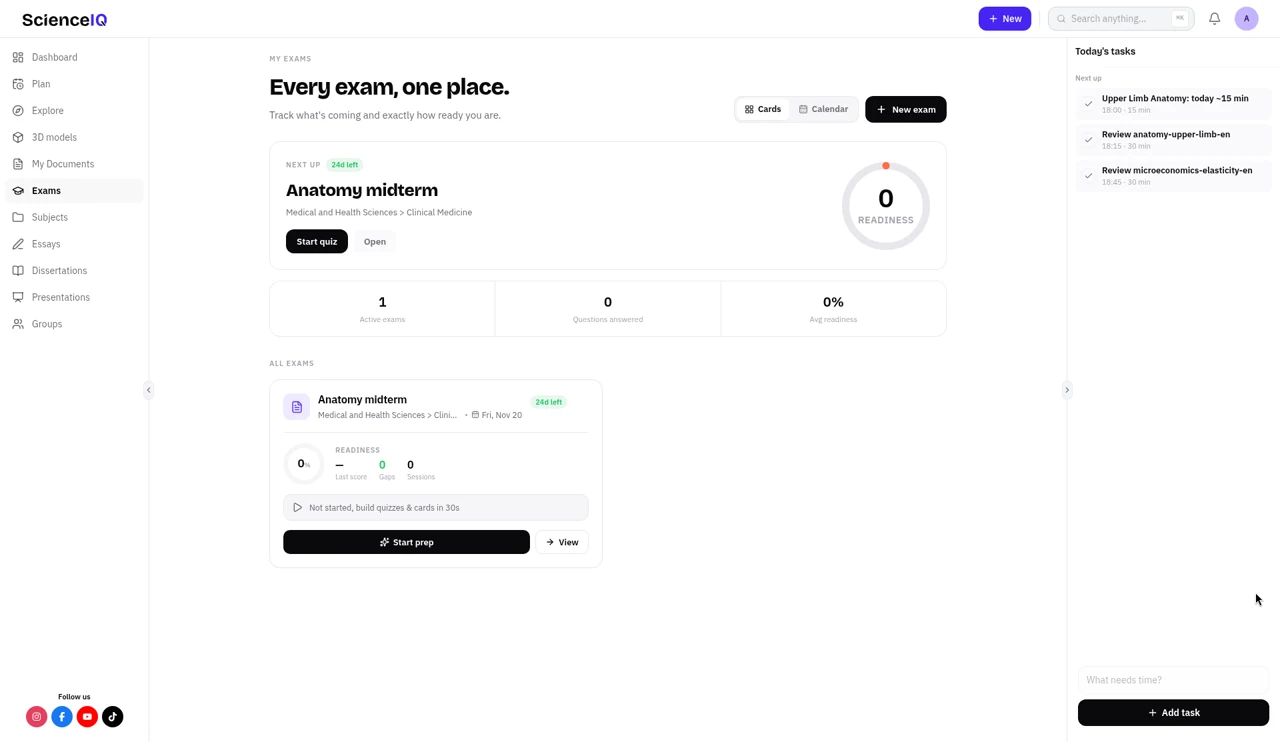
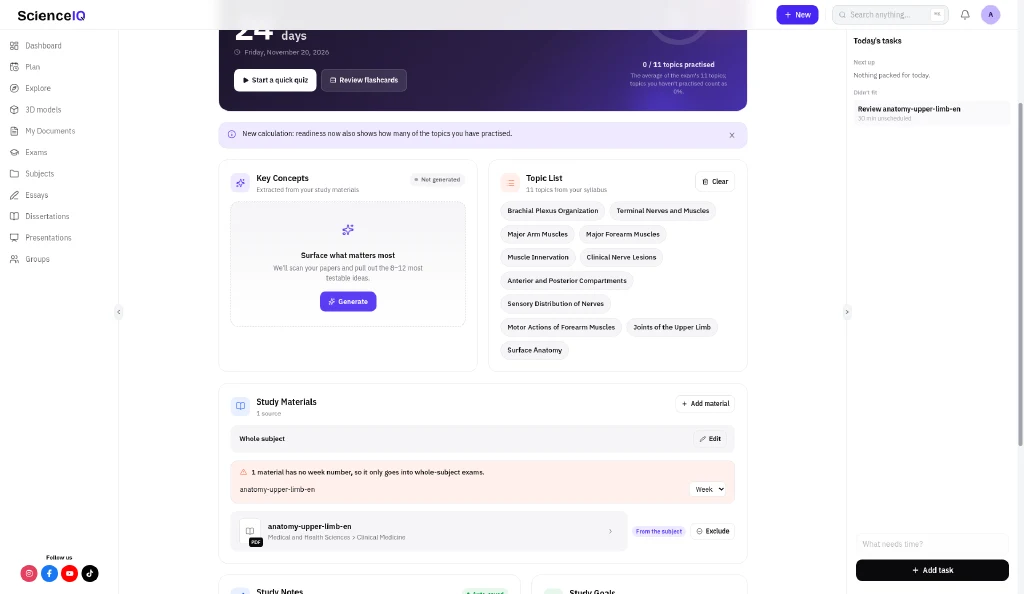
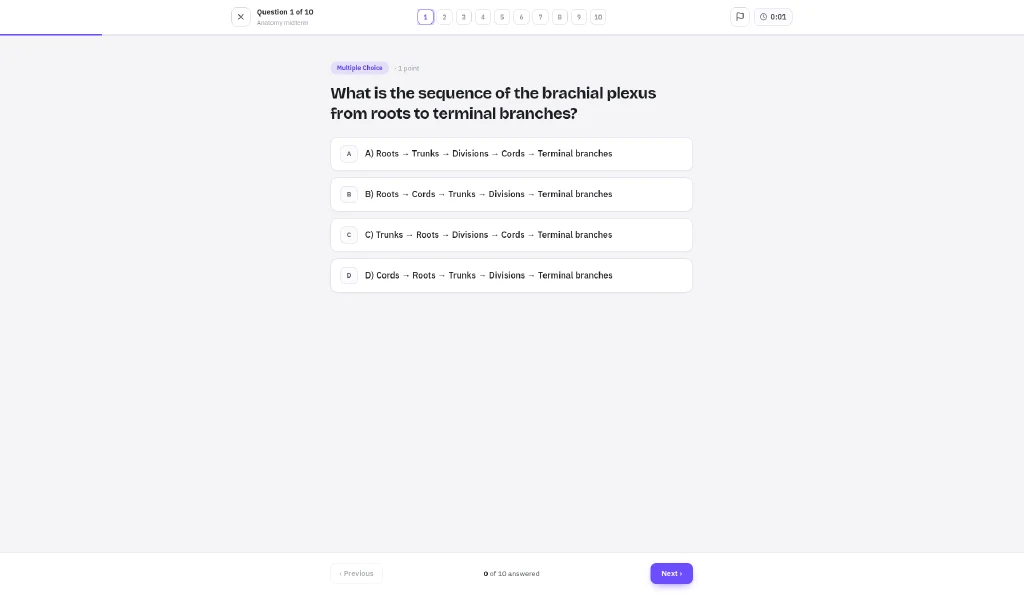
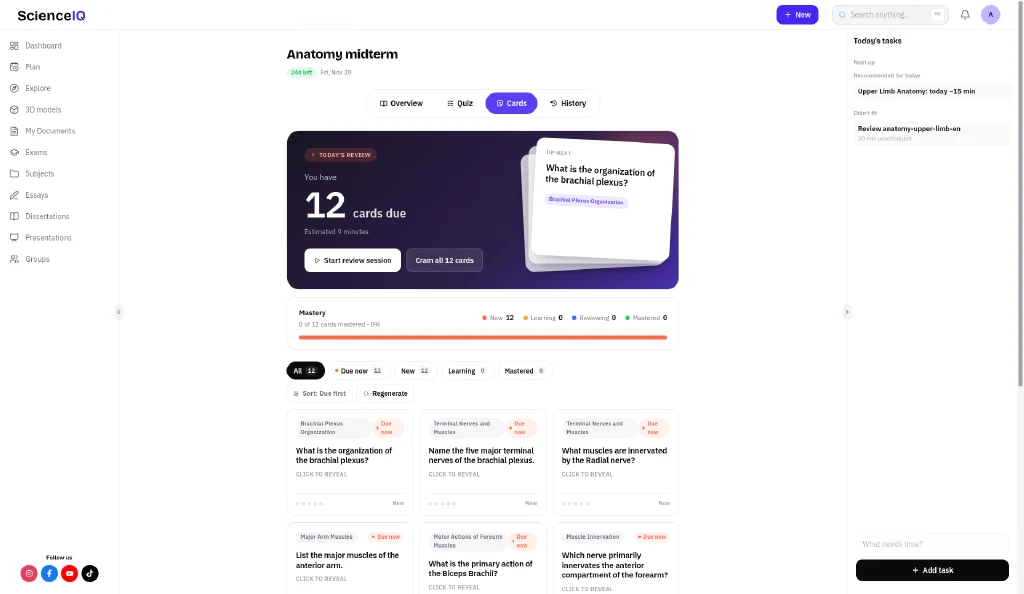
- Go to Exams → create → set the date.
- Attach the PDFs/PPTX you will be tested on.
- Use Quiz and Flashcards from that exam view.
- Optional: Plan week view to see study blocks in the current week.
You enter the real date from Neptun or Moodle. Practice stays on the files you attached.
Try it on the next real date in Neptun
One exam. Only in-scope files. One closed-book quiz tonight on the oldest attached PDF.
Ausprobieren
Verwandle deine Vorlesungsnotizen, Folien und Dokumente in Zusammenfassungen, Quizze und Karteikarten aus deinem eigenen Material, und nutze die Lernforschung. ScienceIQ ausprobieren.
Quellen
- Dunlosky, J., Rawson, K. A., Marsh, E. J., Nathan, M. J., & Willingham, D. T. (2013). Improving Students’ Learning With Effective Learning Techniques: Promising Directions From Cognitive and Educational Psychology. Psychological Science in the Public Interest, 14(1), 4–58.
- Roediger, H. L., & Karpicke, J. D. (2006). Test-Enhanced Learning: Taking Memory Tests Improves Long-Term Retention. Psychological Science, 17(3), 249–255.
Erik Fazakas
Founder of ScienceIQ
Blog
Weitere Beiträge
 Weiterlesen
Blog
Med-school anatomy quizzes from your own notes PDF
Anatomy volume is brutal, and generic banks drift from your course PDF. A closed-book quiz loop on the exact lists and diagrams you were given — plus a mind map of systems.
EErik Fazakas • 27. Okt. 2026 Weiterlesen
Blog
Economics exam prep: concept cards from lecture slides
Fuzzy definitions fail econ exams. Build concept and model cards from the slides your professor actually uses — then quiz the pairs you keep mixing up.
EErik Fazakas • 27. Okt. 2026- Weiterlesen
Blog
Turn PowerPoint lecture slides into a quiz
Stop retyping Moodle decks into Quizlet. A closed-book quiz workflow from the PPTX your professor posted — plus what to delete before you trust the questions.
EErik Fazakas • 27. Okt. 2026